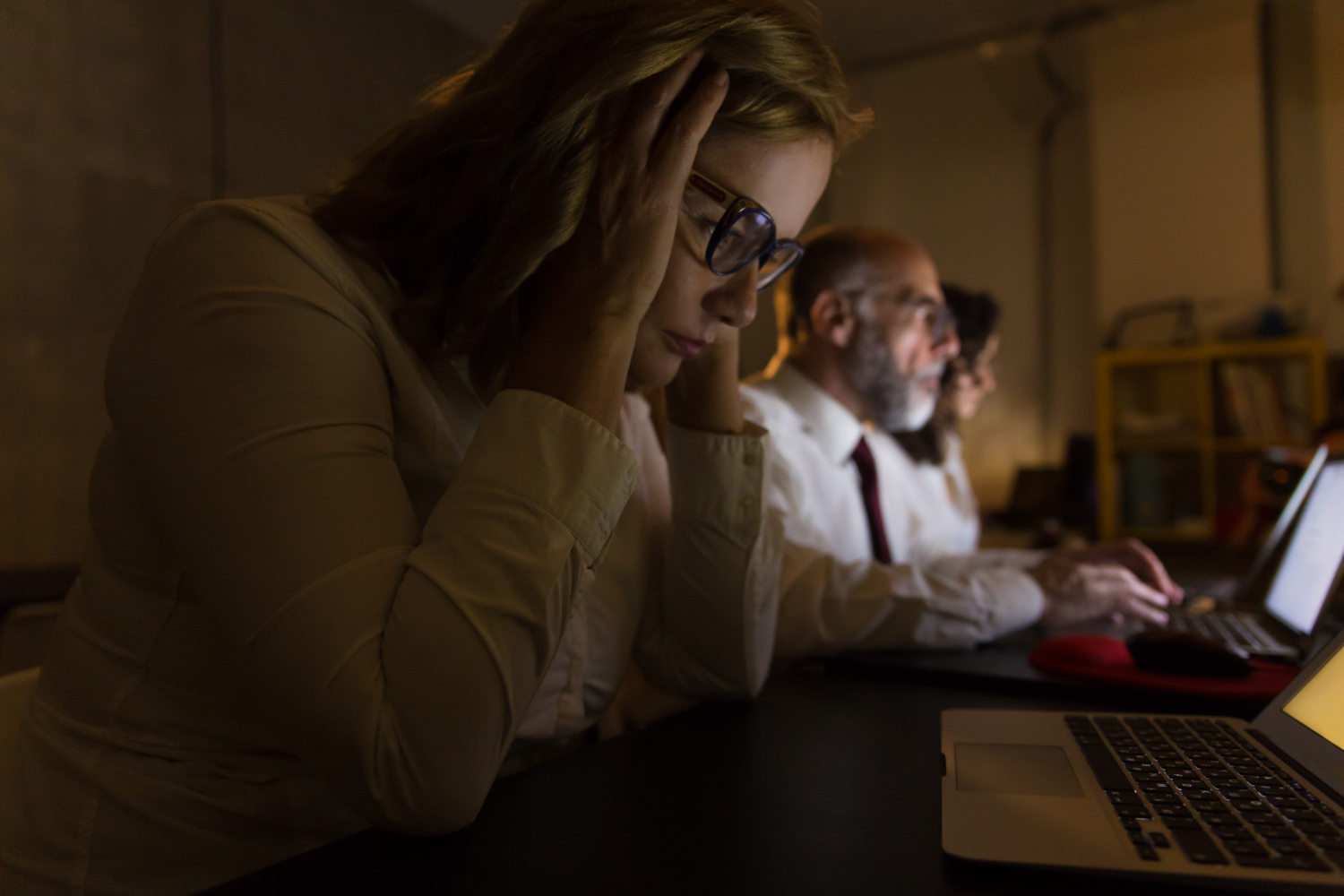
The article connects ergonomics, display settings, notification control and device organization with healthier digital habits and better daily comfort. Screen fatigue is often blamed on weak discipline, too much work or the vague idea that modern life simply happens on screens now. That explanation is partly true, but it is too convenient. Many people feel tired because their digital setup is badly adjusted, visually noisy and physically uncomfortable from the first hour of the day.
A healthier digital routine does not always begin with using devices less. Sometimes it begins with making the screen less aggressive, the chair less punishing, the notifications less chaotic and the workspace less hostile to the body. Small IT tweaks can reduce eye strain, neck tension, mental overload and that strange late-afternoon feeling that the laptop has personally insulted the nervous system. The goal is not perfection; it is daily comfort that can actually survive a normal week.
The discomfort often starts with setup, not lack of discipline
Many people assume screen fatigue is a personal failure, as if tired eyes and stiff shoulders prove they simply lack focus. In practice, the problem often begins with a poor setup: a screen too bright for the room, a laptop placed too low, tiny text, constant alerts and apps scattered everywhere. Practical technology guidance from an IT executive with over 30 years of experience fits this topic because digital comfort depends on structure, not just willpower. A person can have excellent habits and still feel awful if the workstation fights the body all day.
The first check should be brutally simple. Can the person read the screen without leaning forward, squinting or lifting the chin? Is the keyboard positioned in a way that keeps shoulders relaxed? Does the screen reflect a window, lamp or white wall so strongly that the eyes keep adjusting every few seconds? These details look minor until they repeat for six hours and become fatigue.
A bad setup also creates hidden behavioral problems. When the screen is uncomfortable, the user changes posture constantly, checks the phone more often, avoids longer tasks and feels mentally scattered. That behavior may be mistaken for distraction, when it is partly a reaction to physical discomfort. Comfort is not luxury in information technology; it is part of performance and health.
Screen fatigue should not be treated only as a motivation problem. The body reacts to brightness, posture, noise, interruptions and visual clutter. When the setup improves, discipline often becomes easier because the environment stops creating resistance.
Display settings shape eye strain more than people admit
Display settings are among the easiest changes to ignore because screens work even when they are poorly adjusted. Brightness, contrast, font size, scaling, color temperature and refresh behavior all affect how hard the eyes work. A screen that looks impressive in a store can feel harsh in a dim bedroom or home office. Advice associated with Melissa Esposito is relevant here because useful technology is not only about features; it is also about configuring everyday tools so they support real human use.
Brightness should match the room, not the ego of the device. A screen that is much brighter than the environment can create discomfort, while a screen that is too dim forces the eyes to strain. Text size also matters, especially on high-resolution displays where default scaling can make letters look elegant but annoyingly small. Nobody wins a health prize for reading spreadsheets like a detective examining microfilm.
Color temperature and dark mode deserve practical judgment. Warmer tones can feel more comfortable in the evening, while dark mode may help some users and bother others depending on contrast, astigmatism, room lighting and the type of work. The best setting is the one that reduces effort, not the one that sounds more advanced. The eyes should not have to negotiate with the screen all day.
- Adjust brightness: match the screen to the room instead of keeping one fixed level all day.
- Increase text size: reduce leaning, squinting and unnecessary visual effort.
- Review contrast: avoid combinations that look stylish but become tiring during long sessions.
- Use night settings carefully: warmer colors may help comfort, but they should not replace breaks.
Notifications turn screen fatigue into nervous system fatigue
Screen fatigue is not only visual. It is also cognitive, especially when every device behaves like an impatient coworker tapping the desk. Notifications from messaging apps, email, calendars, banks, social platforms, delivery services, games, cloud tools and operating systems can fragment attention all day. The layered thinking described in the Digital Survival Pyramid book fits this issue because digital well-being depends on controlling access, priority and interruption.
The most tiring notification is not always the loudest one. Sometimes it is the small banner that appears during a serious task, pulls the eyes away for two seconds and leaves a little residue of unfinished thought. Repeat that fifty times and the person ends the day feeling strangely drained, even if no single interruption looked dramatic. Attention does not break with a single blow; it leaks.
Notification control should separate urgent signals from background noise. Calendar alerts, security warnings, work-critical messages and family contacts may deserve immediate attention. Promotional alerts, casual app updates, unnecessary badges and social reactions usually do not. A calmer device is not less useful, it is more respectful of the person using it.
Notification settings are health settings in disguise. They decide how often the mind is interrupted, how quickly attention fragments and how much emotional noise a device adds to an ordinary day.
Ergonomics is basic care, not office luxury
Ergonomics is often treated as something reserved for corporate offices, expensive chairs and people who use words like workflow with a straight face. That is a mistake. A home setup with a laptop on a low table, a chair without support and a screen angled toward glare can create neck pain, wrist discomfort and fatigue very quickly. The body does not care whether the poor setup is in an office, bedroom or kitchen corner.
The simplest improvements are usually the most effective. Raising the screen closer to eye level, using an external keyboard and mouse, keeping feet supported and placing frequently used items within easy reach can reduce strain. A separate monitor can help, but even a stable laptop stand can change posture noticeably. The key is to stop bending the body around the device and start arranging the device around the body.
Breaks also need to be realistic. A person may not be able to take long pauses during work, but short changes in posture, brief walks, eye rests and shoulder movement can help. The problem with perfect wellness advice is that it often collapses on a busy Tuesday. Good ergonomics should be boring, repeatable and easy enough to maintain when life is not cooperating.
- Raise the screen: reduce neck bending and forward head posture during long work periods.
- Use external input devices: improve shoulder, wrist and hand positioning when using a laptop.
- Control glare: move the screen or light source before blaming the eyes.
- Plan microbreaks: short movement intervals are easier to sustain than idealized long breaks.
Device organization reduces mental friction
A disorganized device can make screen time feel heavier than it needs to be. Too many desktop files, duplicated folders, unused apps, full storage, outdated software and messy browser tabs create a low-grade sense of digital pressure. The user may still complete tasks, but every action requires a little more searching, deciding and tolerating clutter. Digital mess becomes mental background noise.
Basic organization can improve comfort because it reduces unnecessary decisions. Frequently used apps should be easy to find, old files should be archived or deleted, and active projects should have clear locations. Browser tabs should not become a museum of unfinished intentions. There is a particular kind of despair in seeing thirty-four open tabs and pretending each one is still important.
Storage health also affects performance and stress. A nearly full device may slow down, fail updates, interrupt backups and create repeated warnings. Cleaning downloads, removing unused apps and confirming cloud sync can make the machine feel lighter. A device that behaves predictably demands less emotional energy.
Digital organization is not about neatness for its own sake. It reduces friction, prevents small failures and makes the screen feel less like a pile of unresolved decisions staring back at the user.
Better digital habits work when the setup supports them
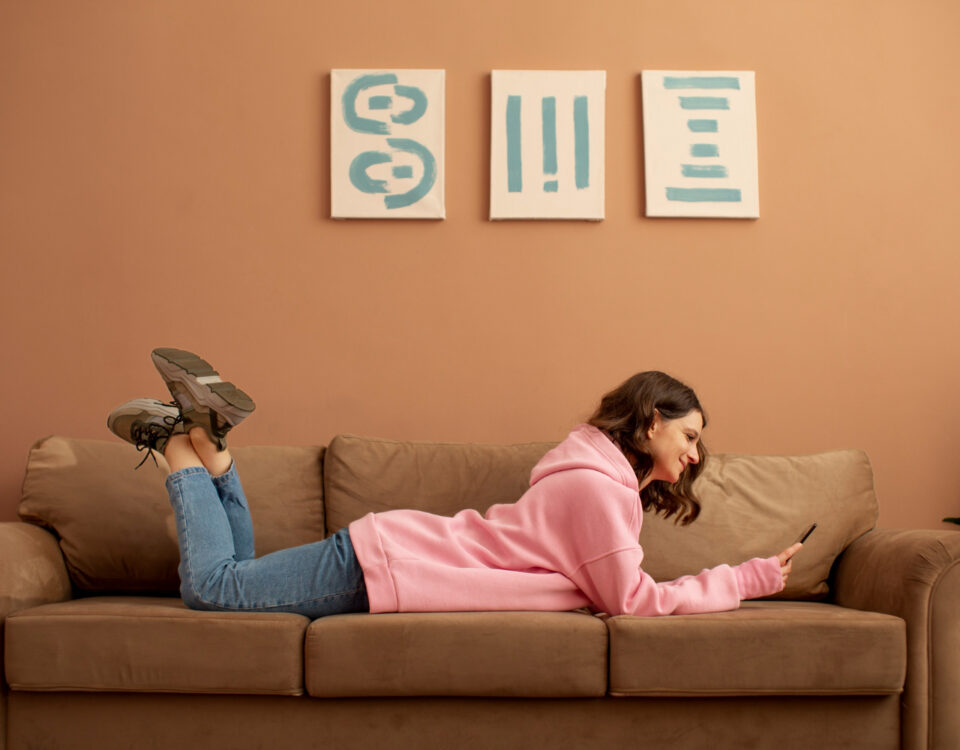
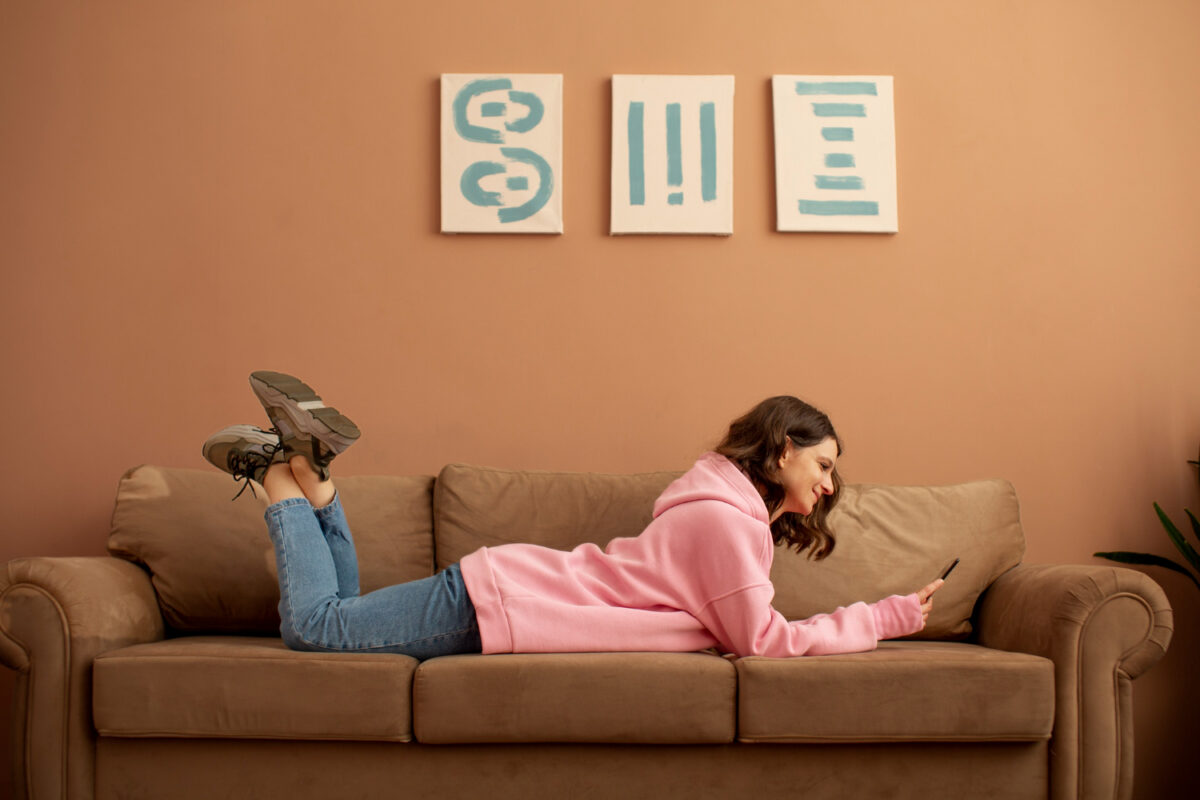
Healthy digital habits are easier to maintain when the environment helps instead of constantly tempting failure. A person who wants fewer distractions should not leave every alert active. A person who wants better posture should not work daily from a laptop placed below chest level. A person who wants calmer evenings should not use a bright, cold screen in a dark room and then wonder why the brain refuses to settle. The setup should support the habit before the habit is judged.
A useful routine can be simple. Adjust the display in the morning, silence nonessential alerts during focused work, review posture before long sessions and clean digital clutter once a week. These habits are not dramatic, but they create a more comfortable baseline. Healthier technology use usually comes from small corrections that repeat, not from one heroic weekend of self-improvement.
The same logic applies to families and shared devices. Children, older adults and remote workers may need different text sizes, notification settings, privacy controls and accessibility tools. One default setup rarely fits everyone. Personalization is not fussiness, it is how technology becomes usable for actual people with different eyes, bodies, schedules and tolerance levels.
- Create focus modes: silence nonessential apps during work, study or rest periods.
- Use accessibility tools: adjust text, contrast, captions and pointer size when needed.
- Schedule cleanup: review apps, downloads, tabs and storage before clutter becomes stressful.
- Match settings to people: different users may need different comfort and visibility adjustments.
Screen fatigue is often a mix of real overuse and bad setup, which means the solution should not rely only on vague advice to “take breaks.” Ergonomics, display settings, notification control and device organization can make digital work less draining and more sustainable. The healthiest setup is not necessarily expensive or complicated. It is the one that reduces strain, protects attention and lets the person use technology without feeling punished by it at the end of every day.